
Please note that we do not create all the designs featured in this article. Our primary focus is to curate and collect a diverse range of design collections and products to inspire and share with our audience. While we do not claim ownership or take full credit for the original designs and images, we occasionally make minor adjustments, particularly in home decor and fashion items, to present them more effectively. Additionally, we may produce and edit images to enhance their quality and composition before sharing them on our Pinterest page or website. For the design work we do on these creative designs, we also include our logo on the images shared on Pinterest and our website. This helps our audience recognize that these designs have been published on insiderlyfe.com!
You look at your phone more than almost anything else in your day. So when December arrives, changing the wallpaper is one of the quickest ways to make every moment feel a little more like Christmas.
A good Christmas iPhone wallpaper is like a tiny window into a snowy world. Every time you check a message, there it is: a warm fire, a twinkling tree, a cabin glowing in the snow.
Here are 9 Christmas iPhone wallpaper ideas, from cozy to magical, plus simple tips for making them look perfect on your lock screen.
Quick answer: For a cozy feeling, choose a crackling fireplace or a snowy log cabin at sunset. For a playful look, try a Christmas collage with Santa and gingerbread houses. For a clean lock screen where the clock is easy to read, pick a soft snowy scene with lots of open sky at the top.
9 Christmas iPhone wallpaper ideas
Tall, portrait images work best on a phone. Look for wallpapers with a calm area at the top for the clock and widgets.
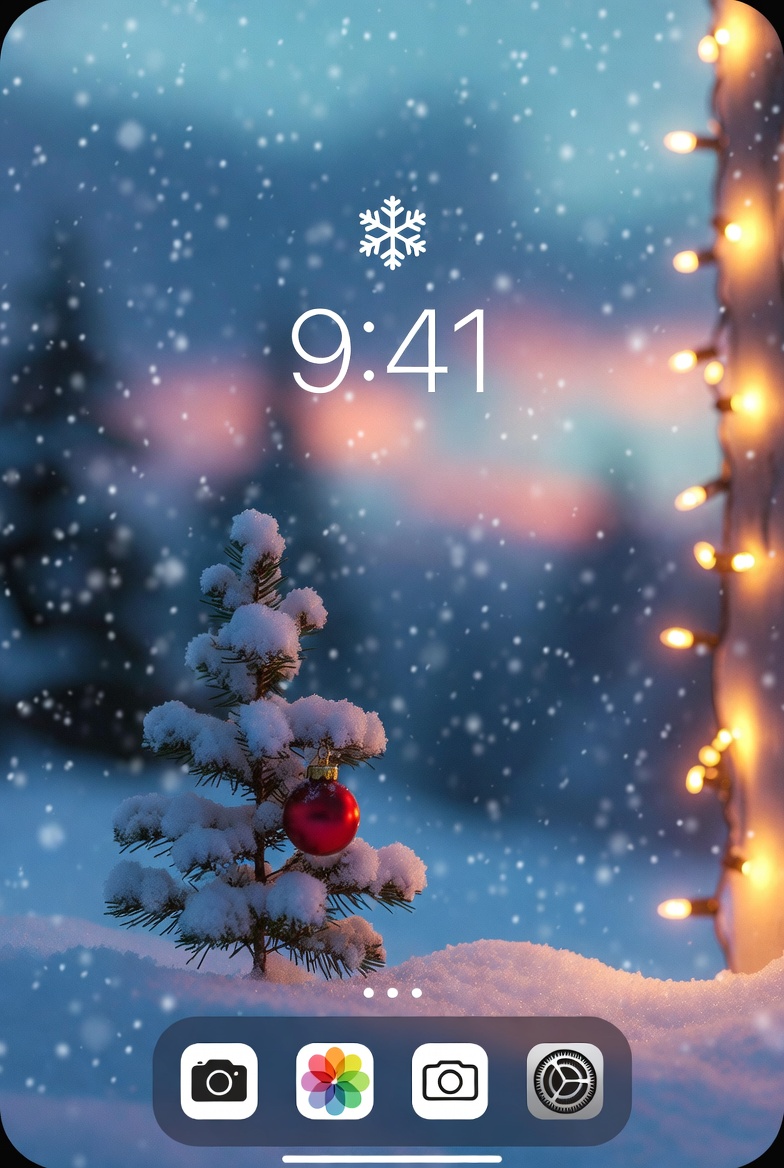
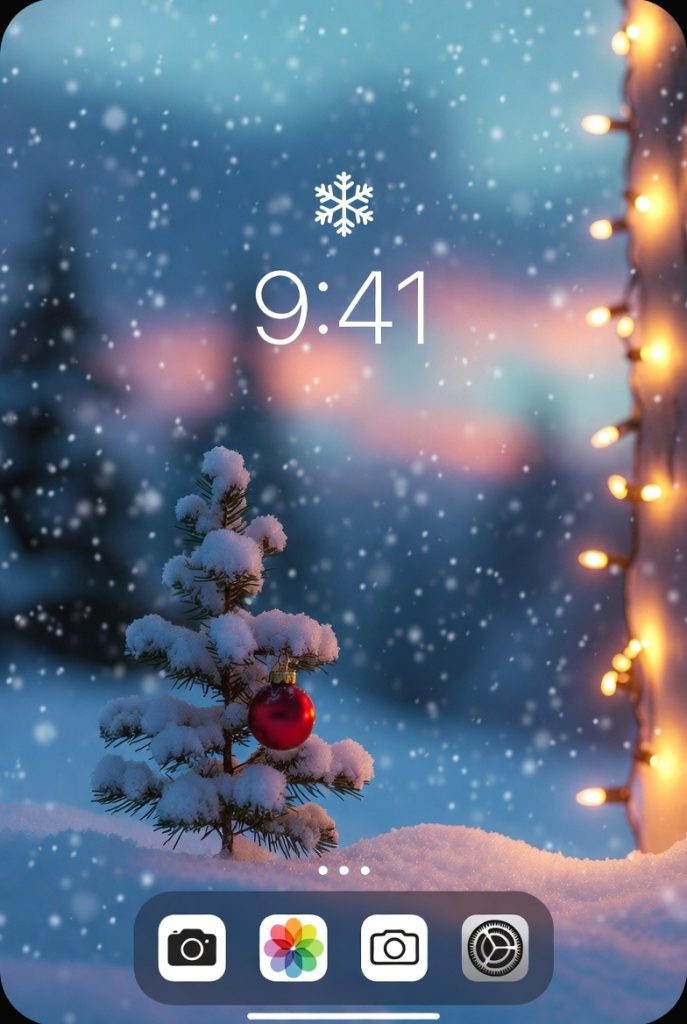
1. Snowy tree with a red bauble lock screen
This is what a Christmas lock screen should look like. A soft blue sky, falling snow and a frosted little tree with one red bauble near the bottom.
Download this wallpaper (free, full size)
The open space at the top leaves room for the clock and widgets, so everything stays easy to read. It feels calm and quietly magical every time your screen lights up.
Best for: A clean, readable lock screen
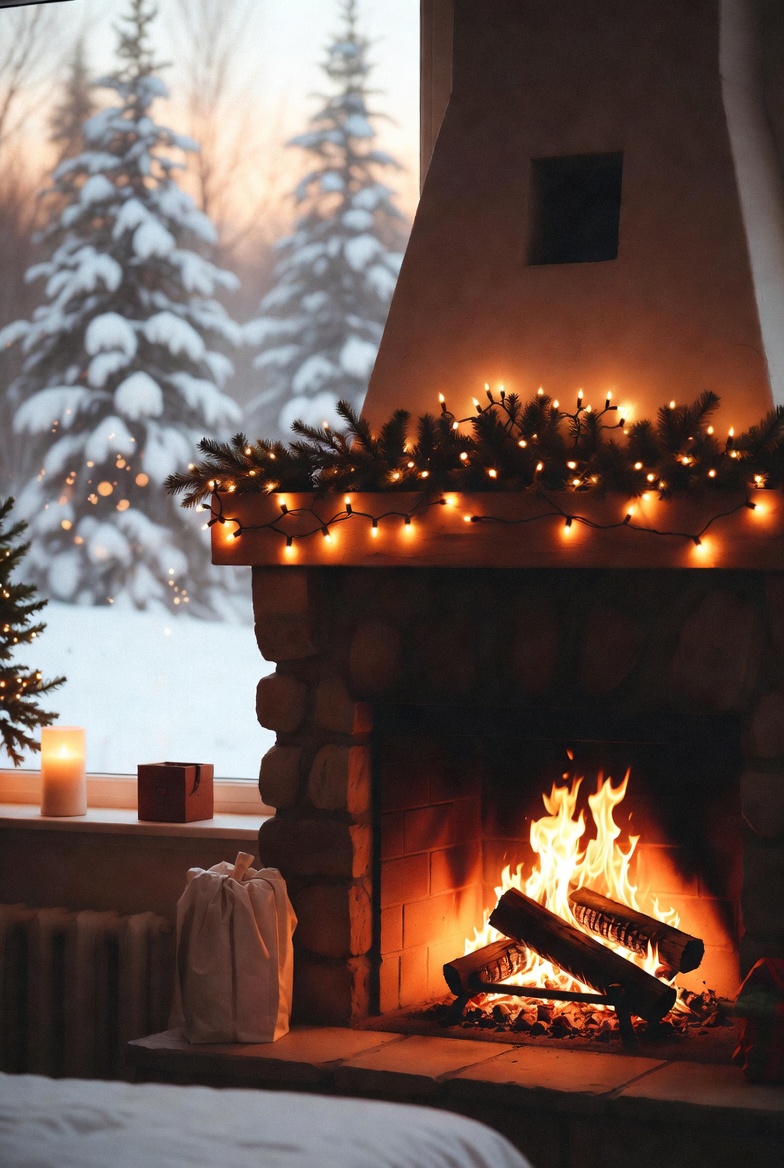
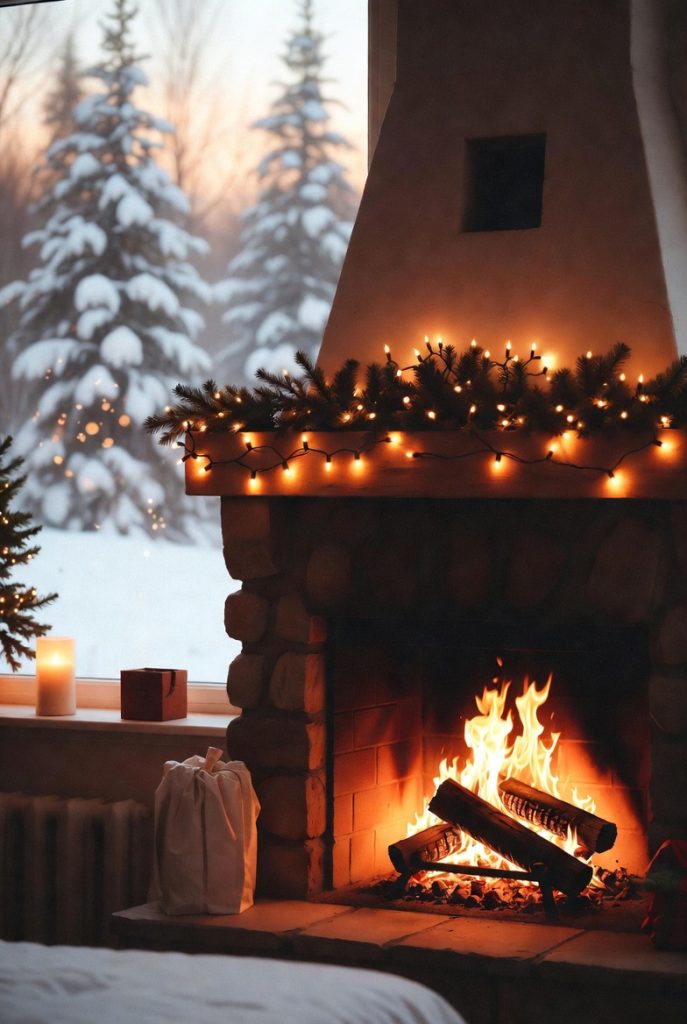
2. Crackling fireplace with garland
A stone fireplace with a warm fire, a garland of lights along the mantel and soft snow outside the window. You can almost hear the logs crackle.
Download this wallpaper (free, full size)
Warm orange tones make this wallpaper feel cozy, especially on dark winter evenings. It looks lovely with dark mode turned on.
Best for: Cozy evenings and dark mode
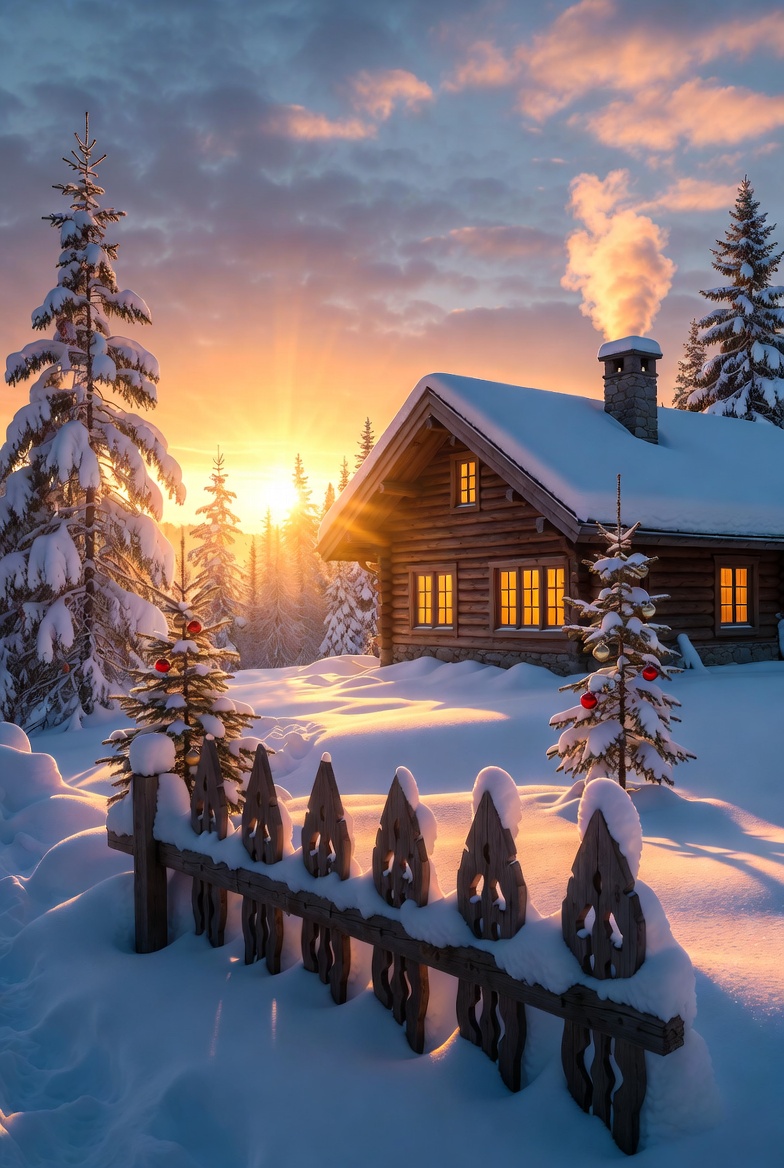
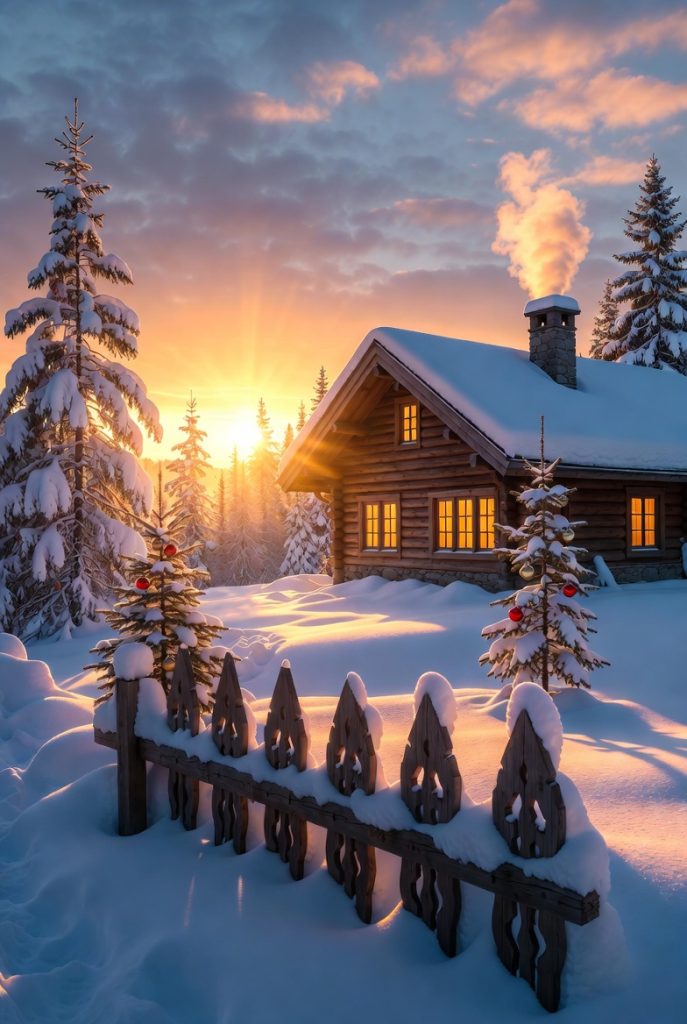
3. Log cabin in the winter sunset
A wooden cabin covered in snow, with golden light in the windows and the sun setting behind the trees. It feels like the end of a perfect winter day.
Download this wallpaper (free, full size)
The warm sky looks beautiful on a phone screen. This is a great choice if you want something wintry that still works well into January.
Best for: All winter long
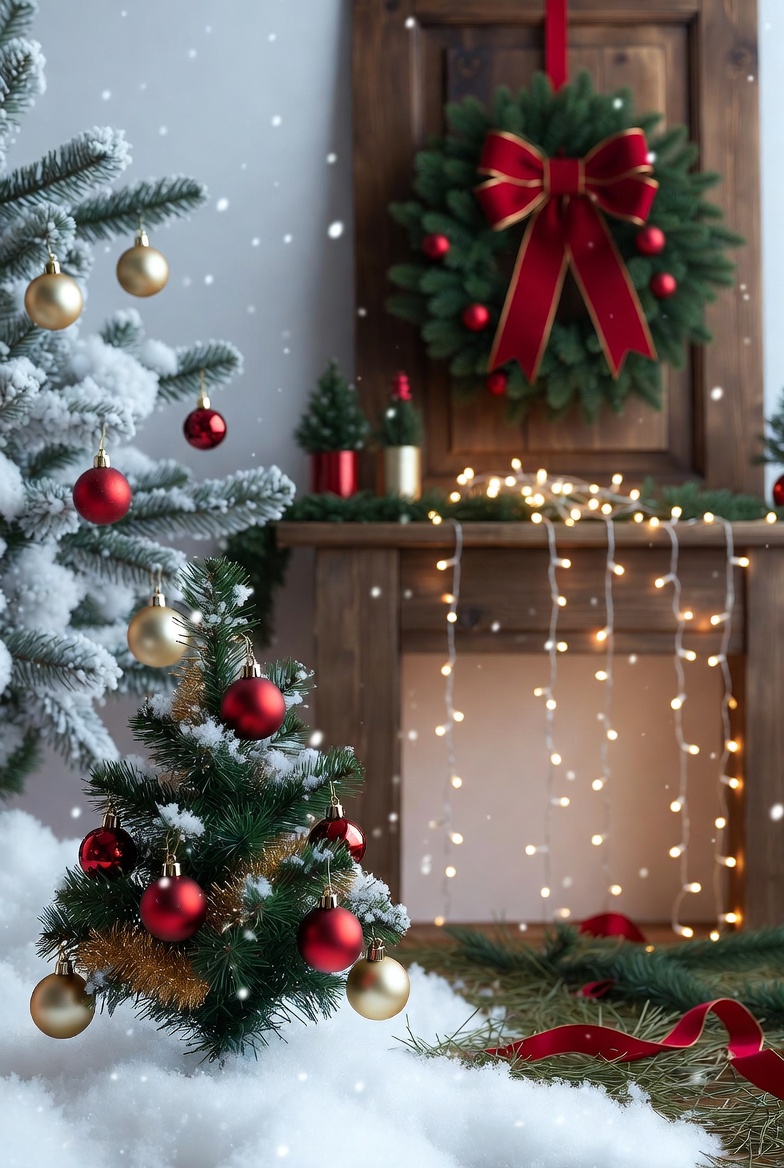
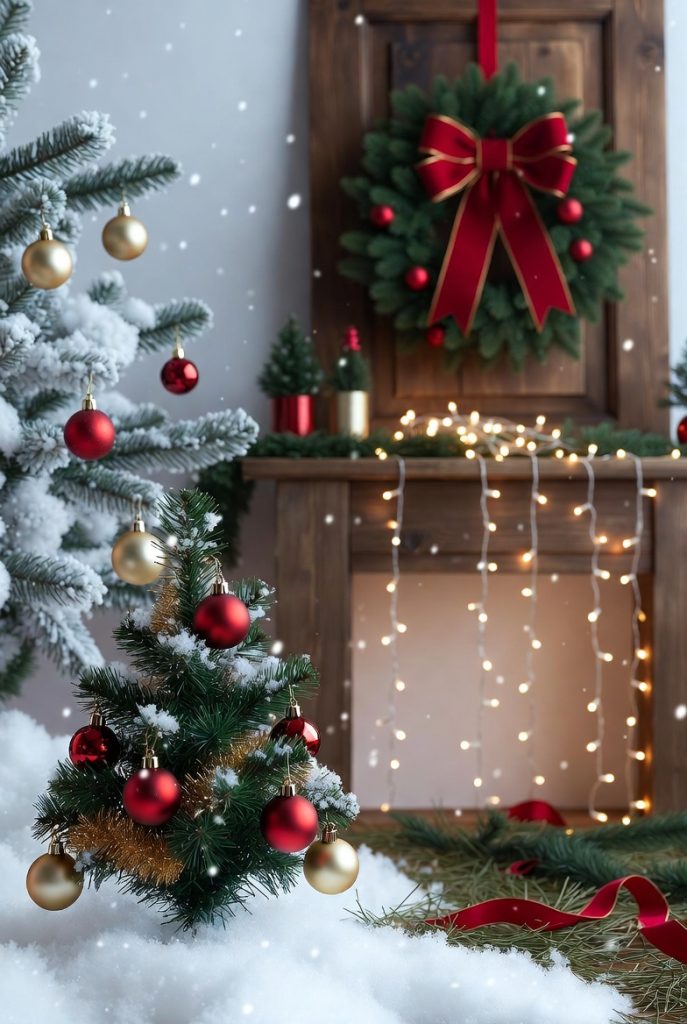
4. Wreath with a red bow by the tree
A full green wreath with a big red bow, a small Christmas tree with red and gold baubles and fairy lights glowing beside them.
Download this wallpaper (free, full size)
It is classic, colorful and full of Christmas spirit. The busy bottom half makes this one better as a home screen behind your apps.
Best for: Classic Christmas style
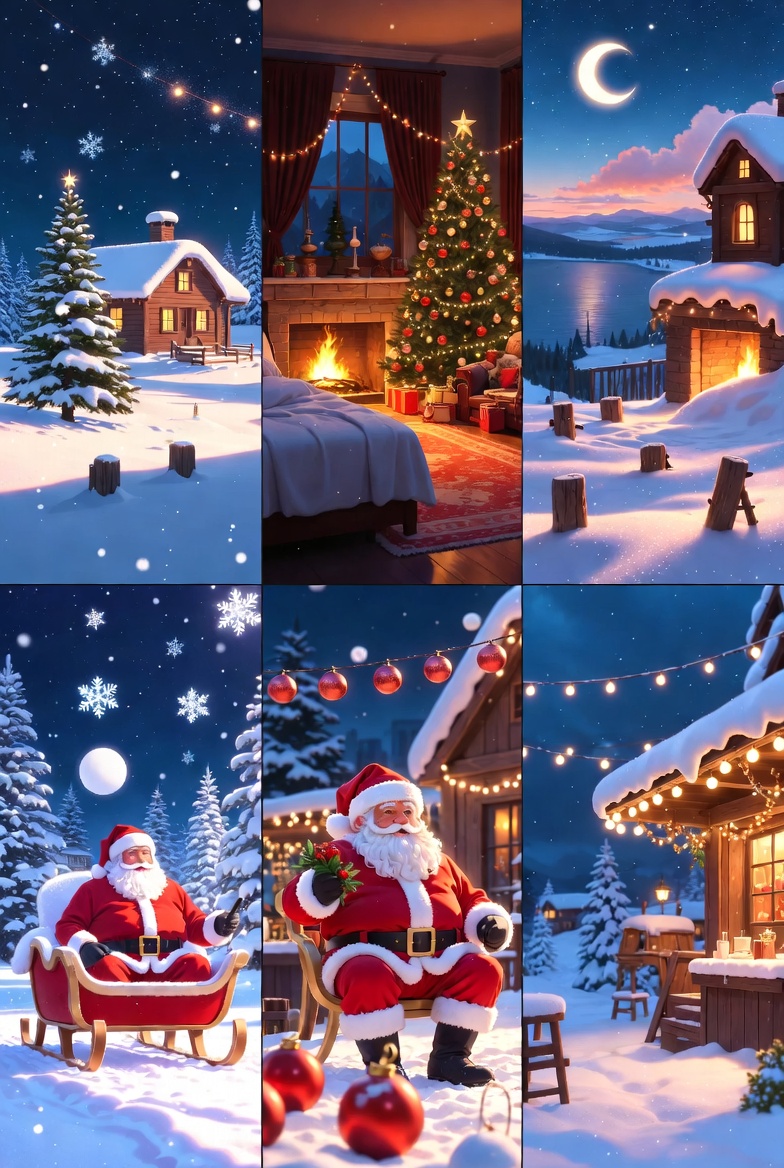
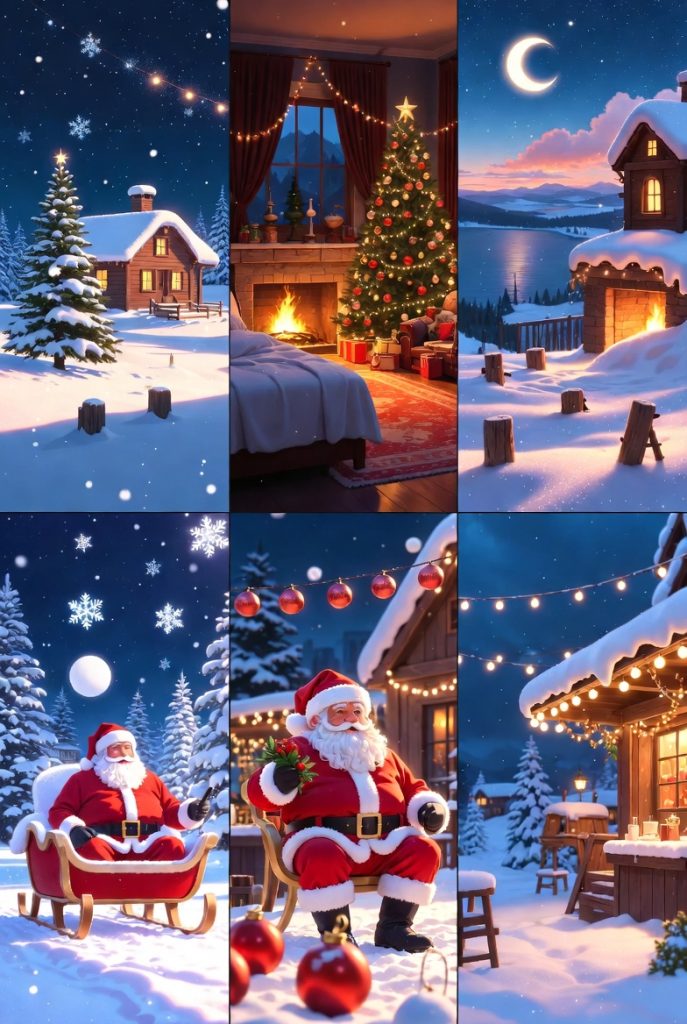
5. Santa and a cozy cabin collage
A collage that mixes Santa in his red suit, a cozy room with a tree and fireplace and a snowy village at night.
Download this wallpaper (free, full size)
It feels joyful and a little nostalgic, like flipping through an old Christmas storybook. Children love this one on a family iPad too.
Best for: Playful, nostalgic style
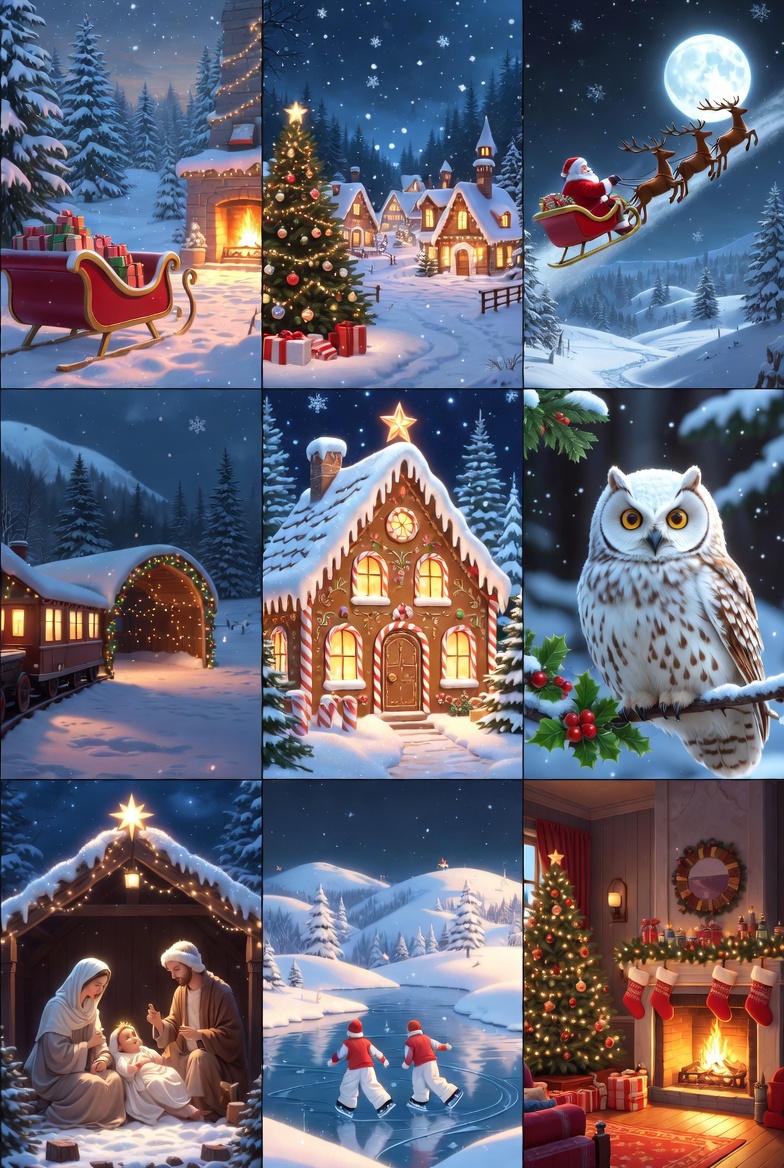
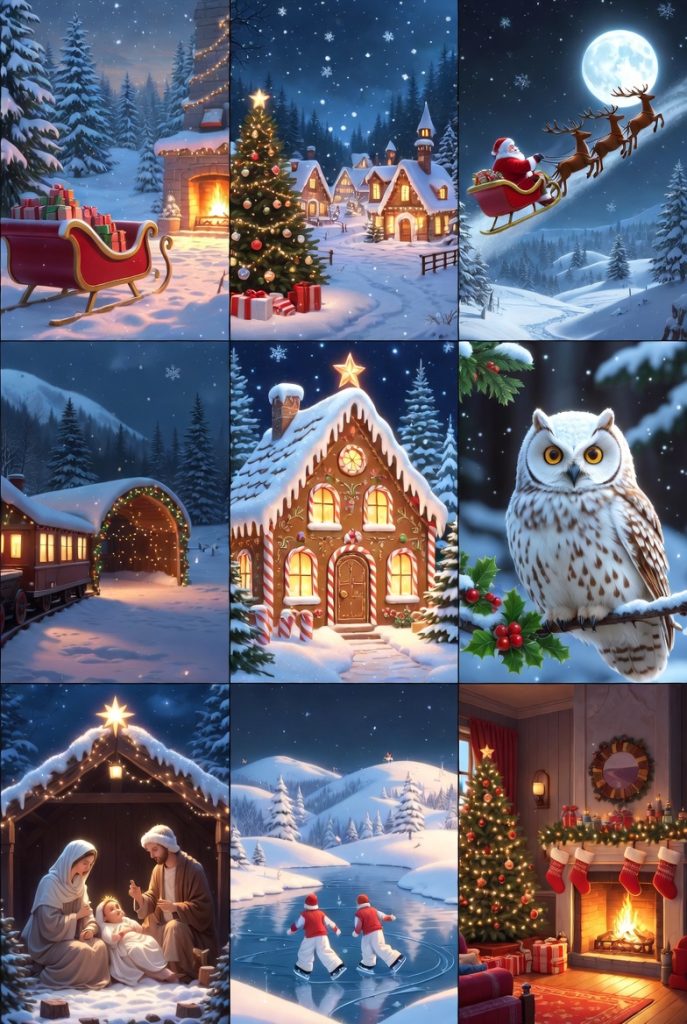
6. Gingerbread house and snowy village
Gingerbread houses with icing roofs, a snowy village with glowing windows and little skaters on a frozen pond.
Download this wallpaper (free, full size)
It has the sweet, cheerful feeling of a holiday movie. Choose this one when you want your phone to make you smile.
Best for: Sweet and cheerful
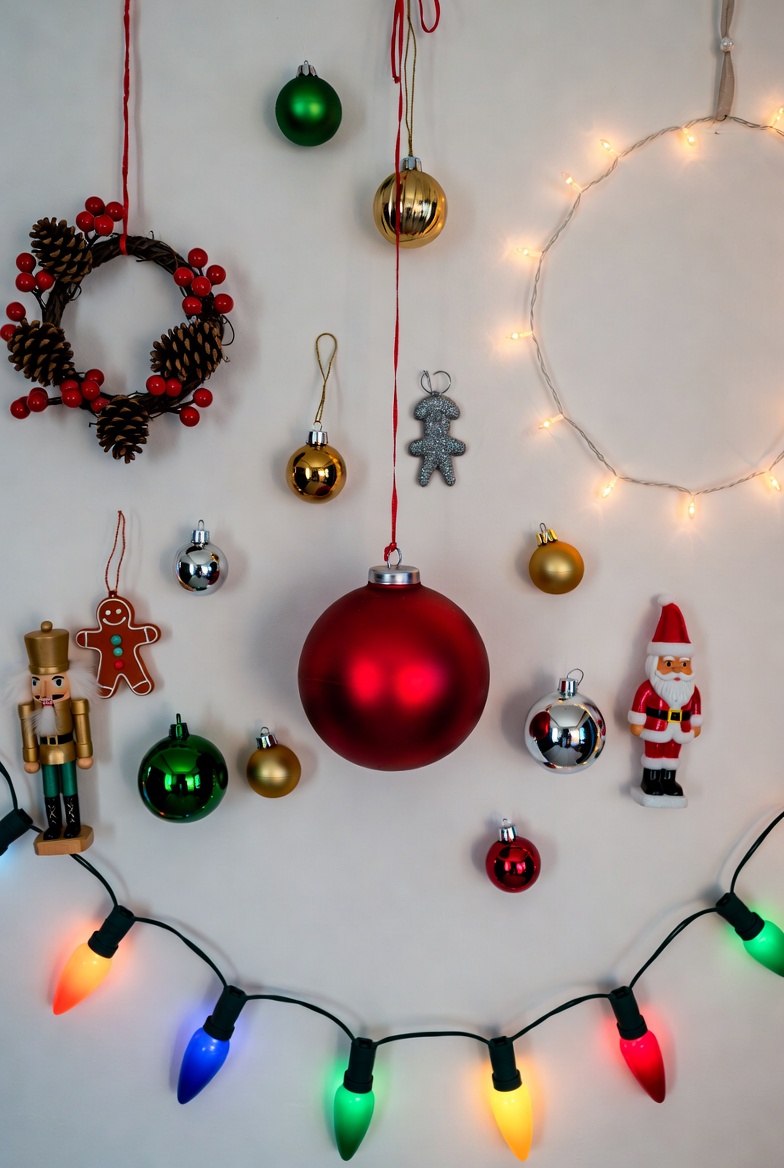
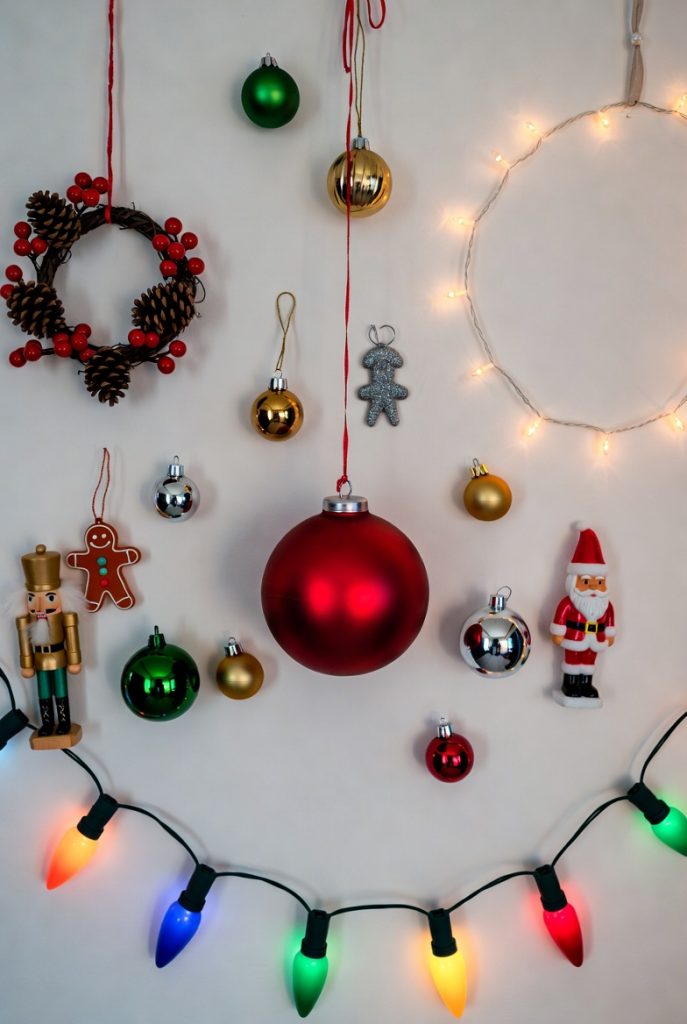
7. Hanging ornaments and colorful lights
Red, gold and green ornaments hanging on ribbons over a white background, with colorful old fashioned bulbs at the bottom.
Download this wallpaper (free, full size)
The bright white background keeps it clean and modern. It works well if you like a simple, graphic home screen.
Best for: Minimal and modern
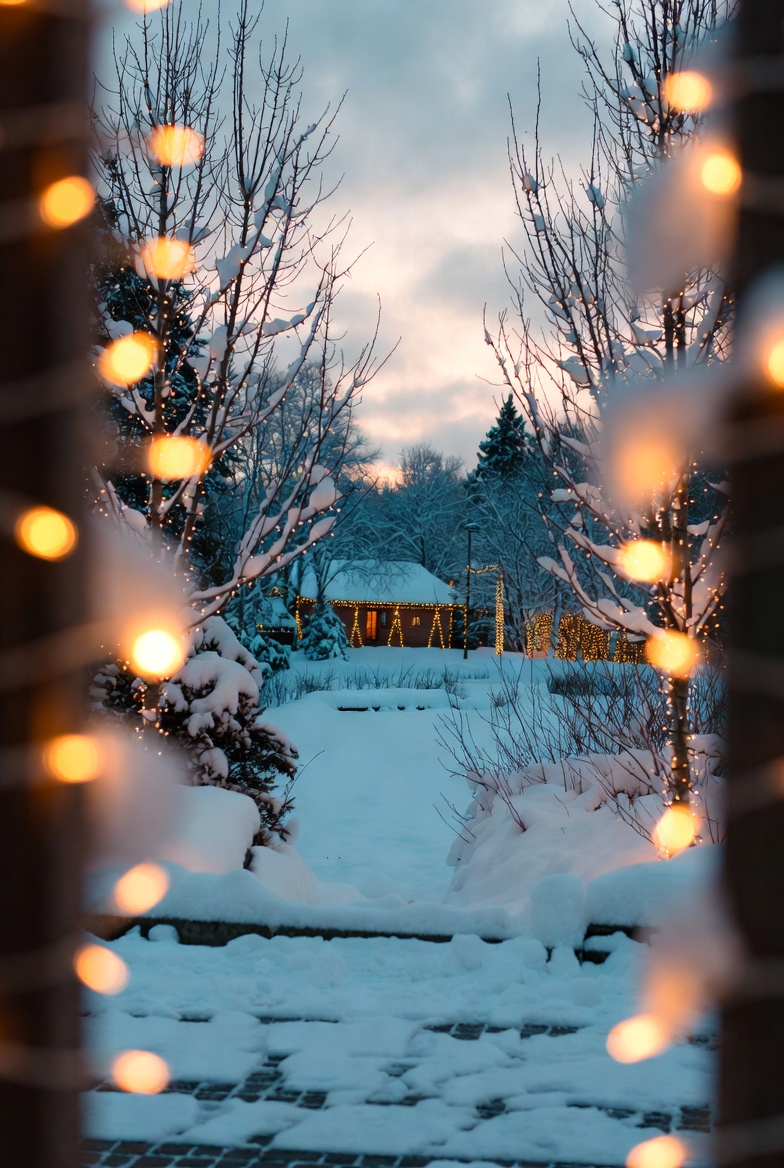
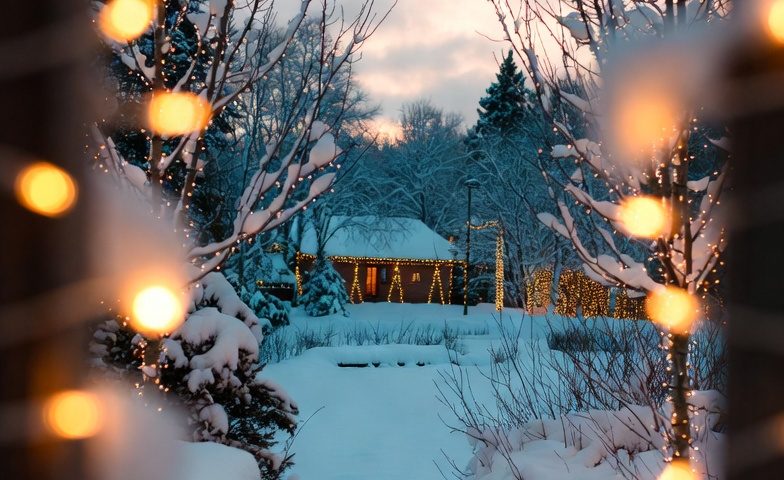
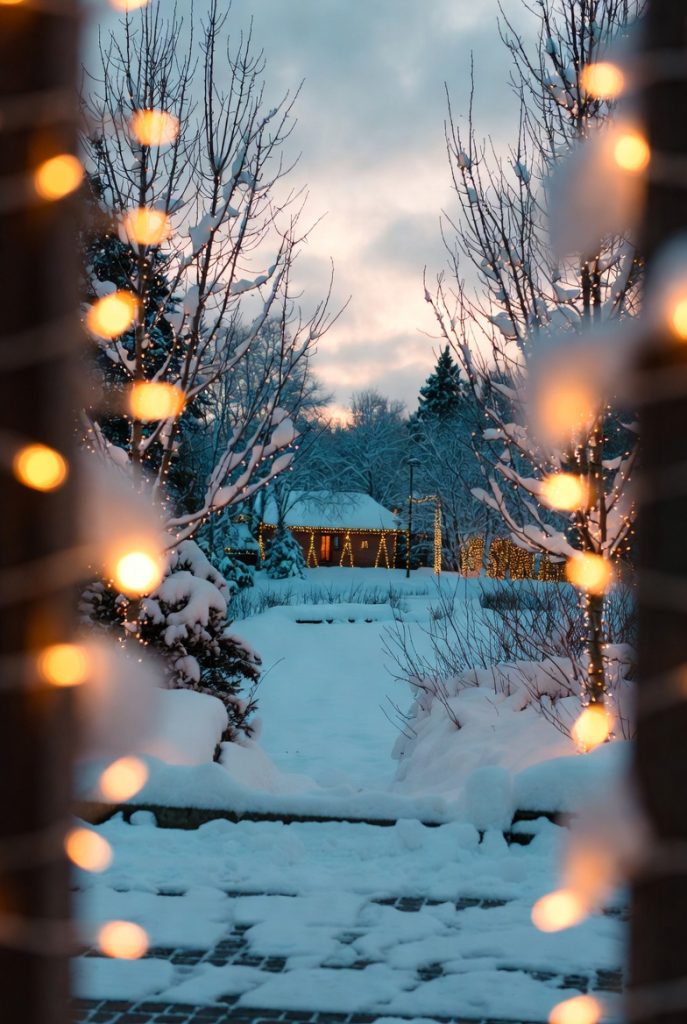
8. Snowy garden at dusk
A quiet garden covered in deep snow, with bare trees and a small house in the distance. Soft and peaceful.
Download this wallpaper (free, full size)
This one has very little color, so app icons and widgets stand out clearly against it. A calm choice for a busy time of year.
Best for: A calm, quiet screen
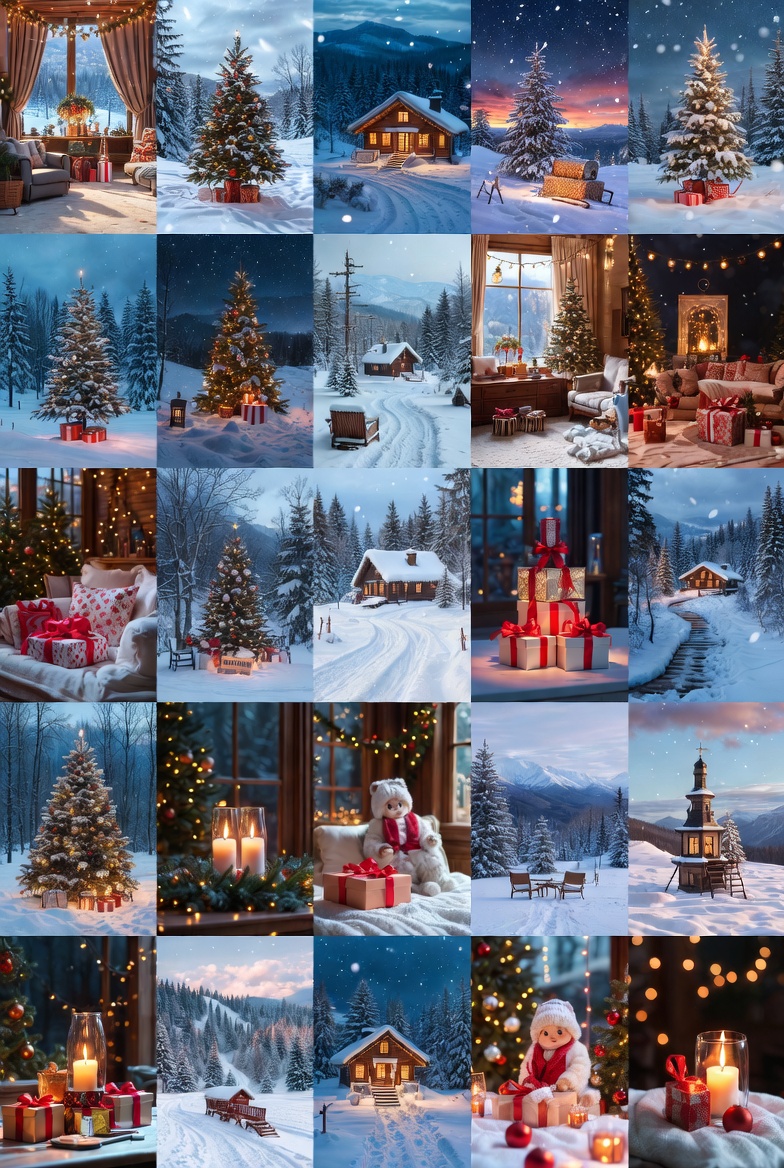
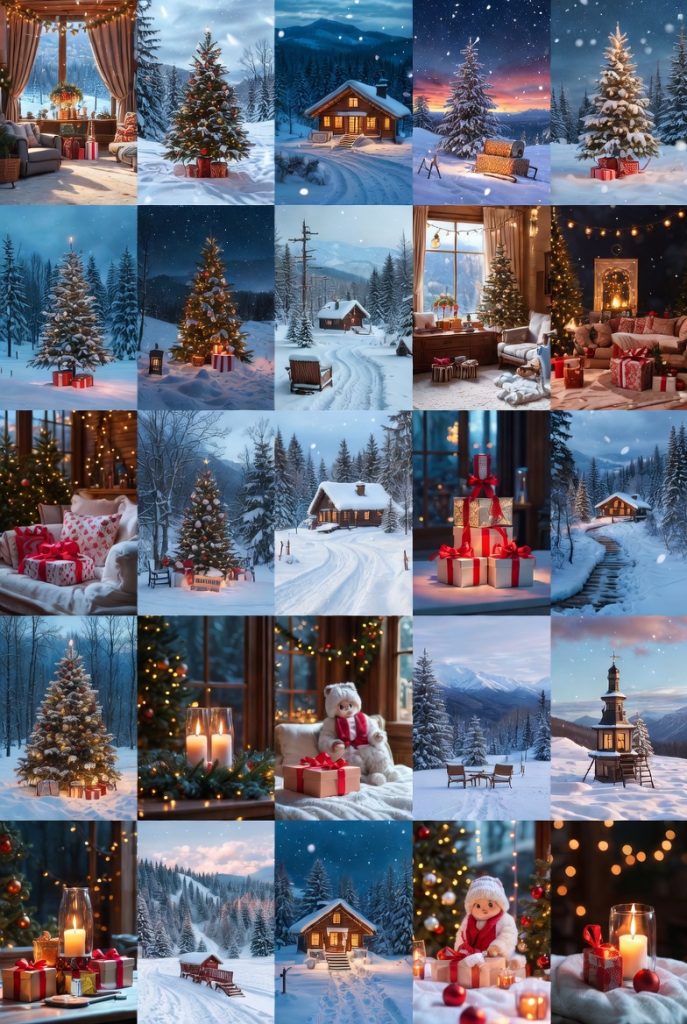
9. Christmas scenes photo grid
A grid of small Christmas scenes: snowy cabins, decorated trees, wrapped gifts and warm windows. Lots to look at in one image.
Download this wallpaper (free, full size)
Because it is so detailed, it works best as a lock screen with the photo filling the whole display. Zoom in and you find something new each time.
Best for: People who love detail
Which Christmas wallpaper for which screen?
| Use | Best wallpaper | Why |
|---|---|---|
| Lock screen | Snowy tree with a red bauble | Clear space for the clock |
| Home screen | Snowy garden at dusk | Icons stay easy to read |
| Dark mode | Crackling fireplace | Warm glow on a dark background |
| All winter | Log cabin in the sunset | Not too Christmassy |
| Family iPad | Santa and cozy cabin collage | Fun for children |
How to set a Christmas iPhone wallpaper
Changing your wallpaper takes less than a minute.
- Save the image to your Photos app.
- Open Settings, then Wallpaper, and tap Add New Wallpaper.
- Choose Photos and pick your Christmas image.
- Pinch to move and resize it until it looks right.
- Choose whether to use it for the lock screen, the home screen or both.
On newer iPhones you can also press and hold the lock screen, tap the plus button and add a new wallpaper with its own clock style and widgets.
Tips for a lock screen that looks good
- Pick images with a calm area at the top, so the time is easy to read.
- Try the depth effect. On some photos, the subject can sit slightly in front of the clock.
- Use a slightly blurred home screen so app icons stand out.
- Match your widget colors to the wallpaper, such as red or gold.
- Save two or three favorites and switch them during the month.
Choosing a wallpaper that suits your phone
Not every image looks good on every phone. A few things help.
- Dark wallpapers look rich on OLED screens and can help save battery.
- Light, airy wallpapers make text and icons easy to see in daylight.
- Busy collages work best on the lock screen, where there are no icons.
- Simple scenes are better on the home screen, so apps stay easy to find.
- If your phone case is red or green, a matching wallpaper looks extra festive.
Make your whole phone feel like Christmas
A wallpaper is the start. A few small touches make the whole screen feel festive.
- Add a countdown widget that shows the days until Christmas.
- Choose a red or gold color for your clock and widgets.
- Set a Christmas song as your alarm for December mornings.
- Make a photo widget that shuffles your favorite Christmas memories.
- Change your app icons to a festive set if you enjoy a bigger project.
A wallpaper for every week of December
Changing your wallpaper through the month is a small ritual that keeps the season feeling fresh.
Start in early December with a snowy cabin or quiet garden. In the middle of the month, switch to something brighter, like the ornaments or the gingerbread village. In the week before Christmas, use the fireplace or the wreath for maximum coziness. After Christmas Day, go back to the winter sunset, which carries you gently into the new year.
Share the joy
Christmas wallpapers make a sweet little gift. Send your favorite to a friend, set one on a grandparent’s phone when you visit, or choose a matching pair with your partner.
If you have children, let them pick a wallpaper for the family tablet. It is a tiny thing, but they will feel proud every time they see it.
Why a cozy wallpaper matters in winter
December is busy. There are gifts to buy, plans to make and long lists to finish. A peaceful image on your screen gives you a tiny moment of calm each time you pick up your phone.
Warm light, falling snow and glowing windows remind you of what the season is really about: rest, warmth and time with the people you love.
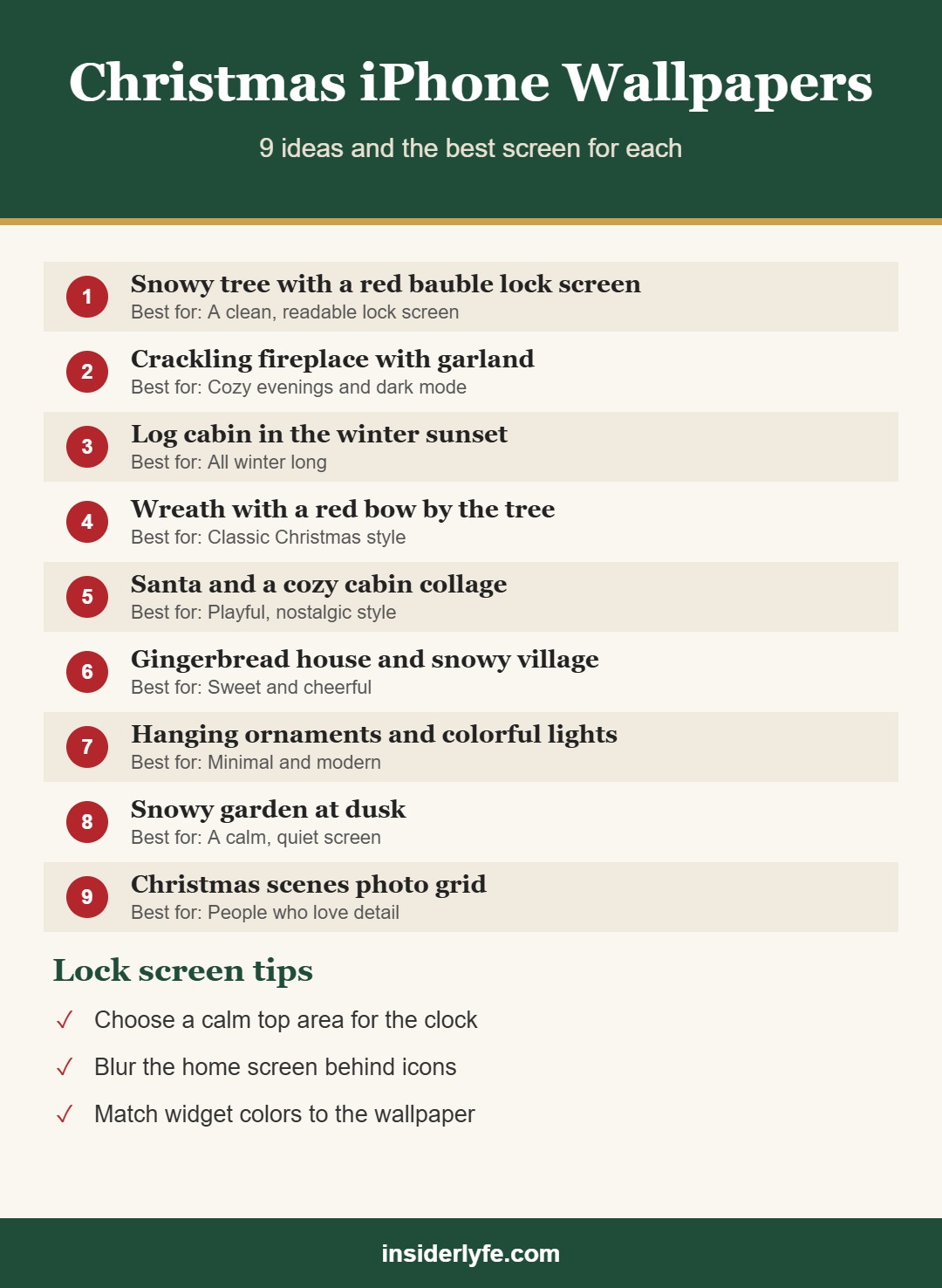
Save this: Christmas iPhone wallpaper guide
Here’s a free guide with all 9 wallpaper ideas and the best way to use each one on your phone. Save it alongside your favorite wallpapers.
Download the full-size guide (free, no email needed)
Frequently asked questions
What size should a Christmas iPhone wallpaper be?
Use a tall, portrait image. Higher resolution images look sharper, and your iPhone will let you move and crop it to fit.
How do I change my lock screen for Christmas?
Press and hold the lock screen, tap the plus button and choose a Christmas photo from your library.
Can I use a different wallpaper on my home screen?
Yes. When you set a wallpaper, choose to customize the home screen separately or blur it.
When should I change my wallpaper for Christmas?
Many people change it on the first of December, but any time after Thanksgiving feels festive.
One last thing
It is a small thing, changing a wallpaper. But small things are what make the season feel special day after day.
Pick the one that makes you pause and smile, and let it carry a little bit of Christmas with you all month.
More Christmas ideas: Christmas nails 2026 and elegant Christmas ornaments.
Related Post